How to Find the IMEI Number on Any Phone (iPhone & Android)
Learn how to find the IMEI number on any phone including iPhone and Android devices. Discover simple methods using settings, dial codes, and phone packaging.
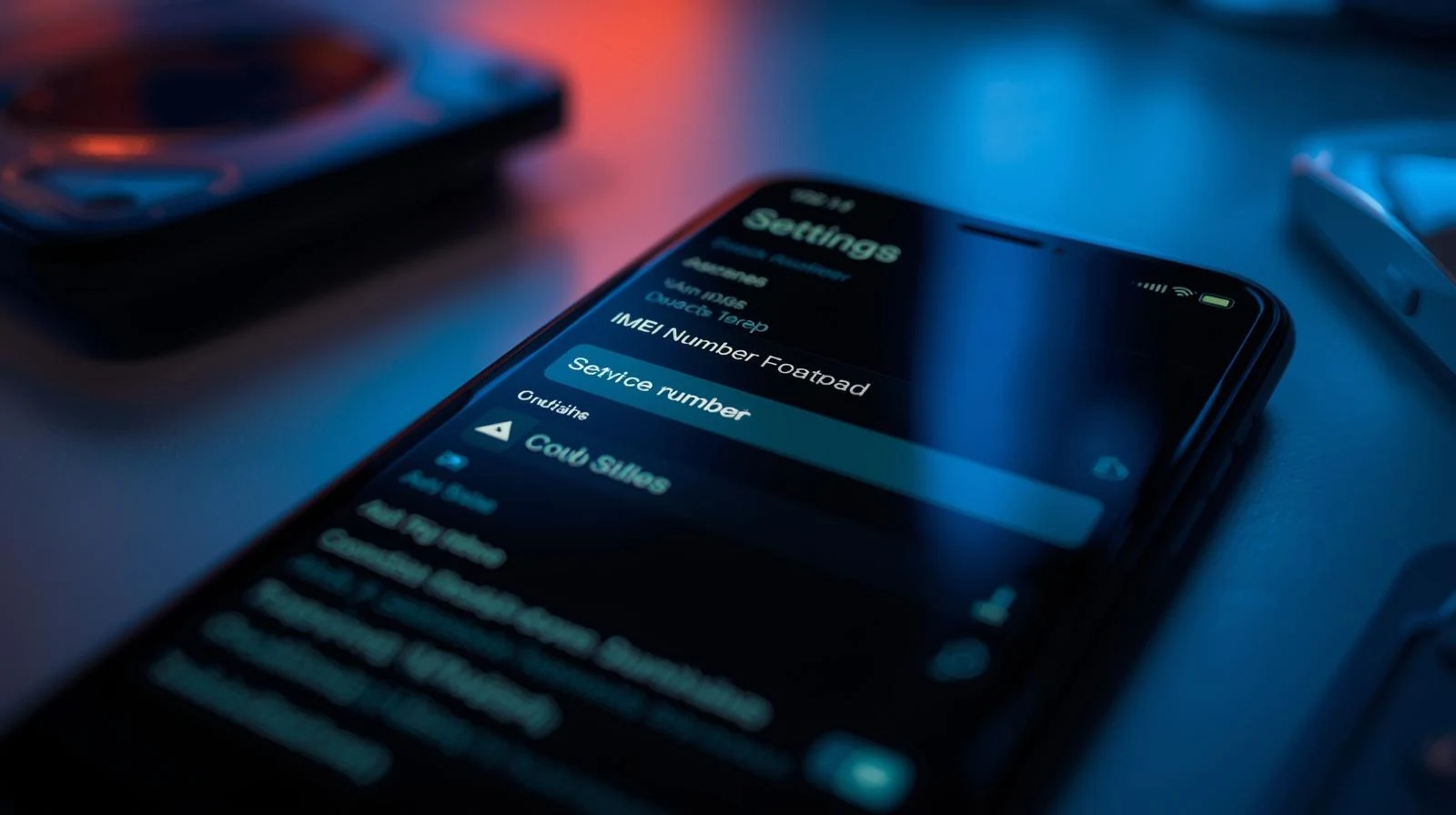
How to Find the IMEI Number on Any Phone
The IMEI number is a unique identifier assigned to every mobile phone. This number allows carriers to identify devices on their networks and helps users verify important information about a phone.
Knowing how to find the IMEI number can be useful when buying a used phone, selling a device, or checking whether a phone has been blacklisted.
Method 1: Dial the Universal IMEI Code
The fastest way to find the IMEI number on most phones is by dialing a special code.
Open the phone dialer and type:
Related IMEI Guides
- Can Two Phones Have the Same IMEI Number?
- What Happens If Your Phone IMEI Is Blacklisted?
- How to Check IMEI Before Buying a Used Phone
Run a Free IMEI Check
Want to verify your device?
Continúe con guías relacionadas de IMEI
Explora verificaciones prácticas y guías de verificación antes de comprar o vender un teléfono usado.
Run a quick device screening before buying or selling a used phone.
Find out whether a phone may have been reported lost, stolen, or blocked.
Verify whether a phone is restricted to a specific mobile network.
Read the step-by-step guide to verify a phone safely before paying a seller.
Más de nuestro blog
Continúe leyendo más guías sobre IMEI, listas negras, operadores y teléfonos usados.
Un desglose técnico de por qué los teléfonos libres de fábrica que solo admiten eSIM muestran errores de "IMEI no compatible" en OMV, analizando el esquema de 3 niveles, las listas blancas de redes host, las comprobaciones de TAC y el marco regulatorio.
New to eSIM? This beginner-friendly guide explains what an eSIM is, how it works, its advantages and disadvantages, and why travelers are switching to eSIM technology.
Not sure if your iPhone is locked to a carrier? This quick guide shows you how to check directly in your settings and understand what the results mean.
Your IMEI check says clean but your phone still doesn’t work? Learn the real reasons and what you can do before buying or using a device.