How to Check IMEI Before Buying a Used Phone
Learn how to check an IMEI before buying a used phone and avoid blacklisted, stolen, or carrier-locked devices.
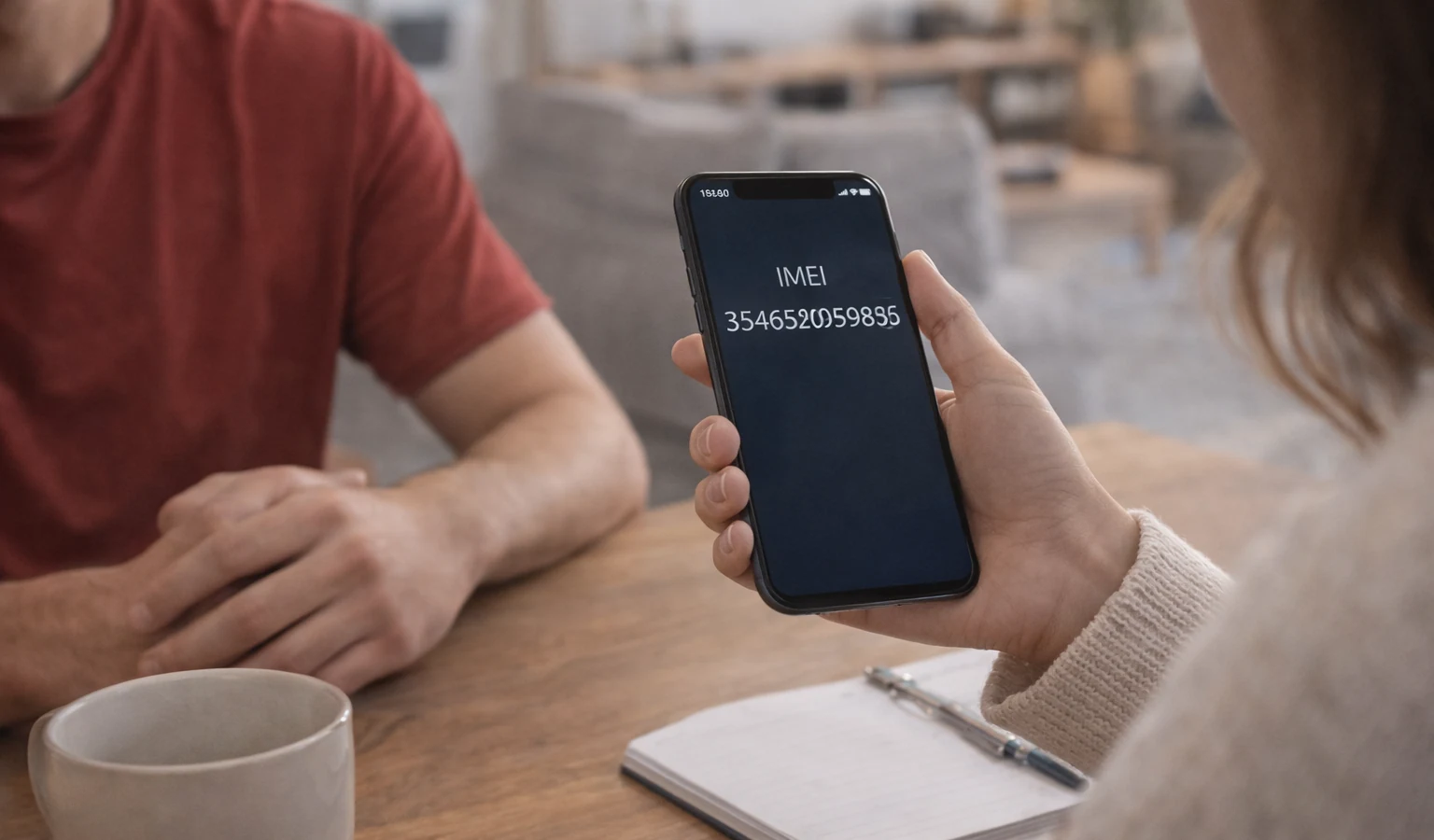
How to Check IMEI Before Buying a Used Phone
Buying a used smartphone can save money, but it also carries risks. A phone may look perfect on the outside while hiding serious problems such as being blacklisted, carrier locked, or reported stolen.
Checking the IMEI number before purchasing a used device is one of the most important steps to protect yourself.
What Is an IMEI Number?
The IMEI (International Mobile Equipment Identity) is a unique number assigned to every mobile device. It allows carriers and databases to identify a phone and track its status.
With an IMEI check you can discover:
- Device model information
- Carrier status
- Blacklist status
- Manufacturer details
Why You Should Always Check IMEI Before Buying
Many buyers skip this step and later discover the phone cannot connect to networks.
A quick IMEI check can help you avoid:
Blacklisted Phones
If a phone was reported stolen or lost, its IMEI may be blocked from mobile networks.
Carrier Locked Devices
Some phones only work with specific carriers.
Fake or Misrepresented Phones
Sometimes sellers advertise a different model than the actual device.
How to Find the IMEI Number
Before checking the IMEI, you first need to locate it.
You can find it by:
Dialing a Code
Dial this code on the phone: *#06#
The IMEI number will appear instantly.
Checking Device Settings
Go to:
Settings → About Phone → IMEI
Looking on the Device Box
Many phones also display the IMEI on the original packaging.
How to Verify the IMEI
Once you have the IMEI number, you can run an IMEI lookup.
An IMEI check will show:
- Device model
- Manufacturer
- Blacklist status
- Carrier information
👉 Run an IMEI check on IMEIFAST before purchasing any used device.
Warning Signs When Buying a Used Phone
Be careful if a seller:
- Refuses to provide the IMEI number
- Avoids meeting in person
- Offers a price far below market value
- Claims the phone is "new" but has no box
These may indicate potential problems.
Checking the IMEI before buying a used phone can prevent many costly mistakes. A quick lookup ensures the device is legitimate and safe to use on mobile networks.
Continue with related IMEI guides
Explore practical checks and verification guides before buying or selling a used phone.
Run a quick device screening before buying or selling a used phone.
Find out whether a phone may have been reported lost, stolen, or blocked.
Verify whether a phone is restricted to a specific mobile network.
Read the step-by-step guide to verify a phone safely before paying a seller.
More from our blog
Continue reading more IMEI, blacklist, carrier, and used phone guides.
A technical breakdown of why factory-unlocked eSIM-only phones encounter 'IMEI Not Supported' errors on MVNOs, exploring the 3-Gate framework, host network whitelisting, TAC checks, and regulatory context.
New to eSIM? This beginner-friendly guide explains what an eSIM is, how it works, its advantages and disadvantages, and why travelers are switching to eSIM technology.
Not sure if your iPhone is locked to a carrier? This quick guide shows you how to check directly in your settings and understand what the results mean.
Your IMEI check says clean but your phone still doesn’t work? Learn the real reasons and what you can do before buying or using a device.