Why an IMEI Check Shows Different Results on Different Websites"
Wondering why the same IMEI shows different results on different websites? Learn the real reasons behind inconsistent IMEI checks and how to know which result to trust.
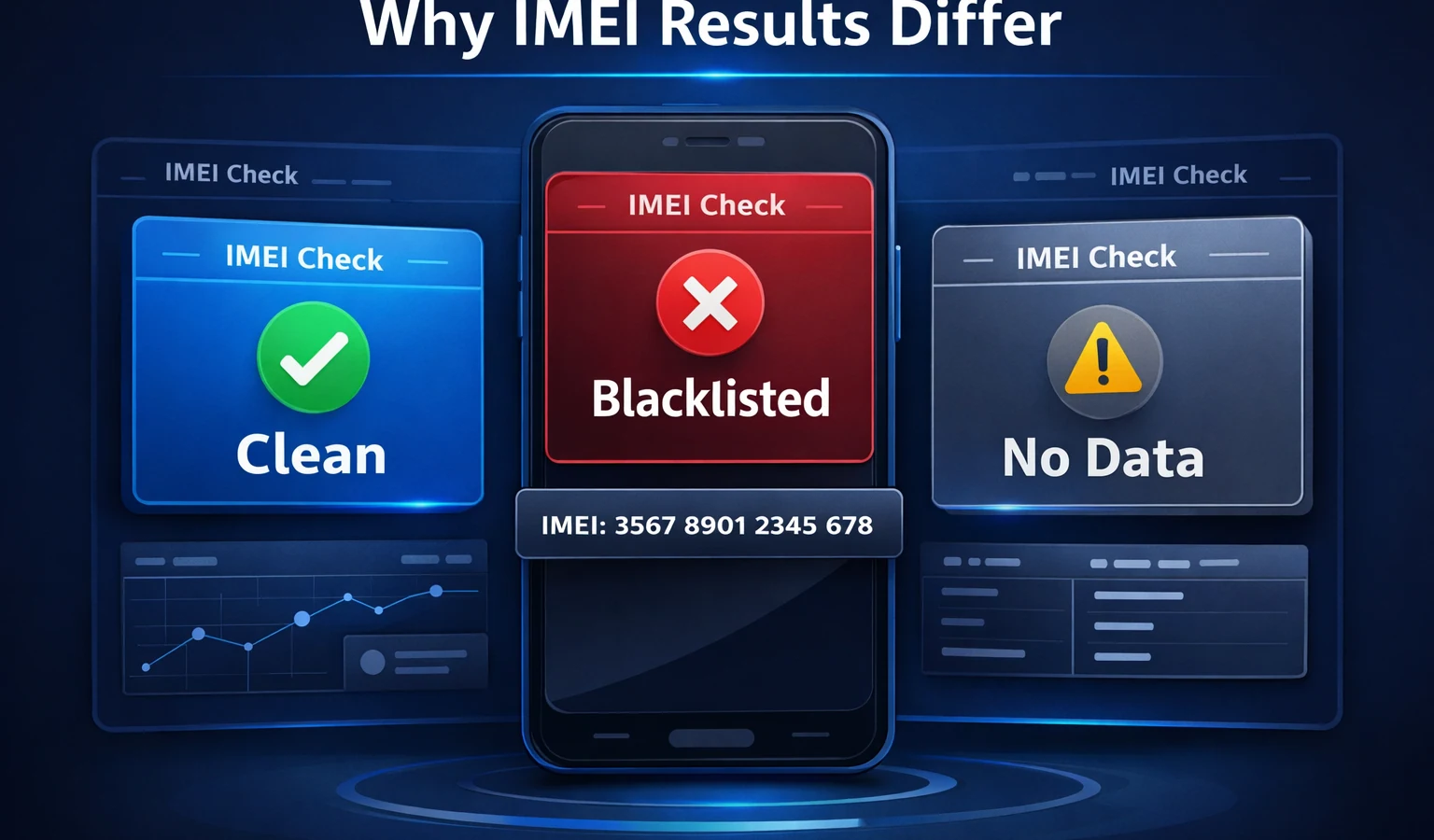
Why an IMEI Check Shows Different Results on Different Websites If you've ever checked the same IMEI on multiple websites, you may have noticed something confusing: 👉 The results don’t always match. One site says the phone is clean. Another says it might be blacklisted. A third shows incomplete data. So what’s actually going on? Let’s break down the real reasons behind these differences — and how to know which result to trust. The Short Answer IMEI check results can vary because: Different websites use different data sources Some providers have outdated or incomplete databases Not all checks include the same level of detail Some services prioritize speed over accuracy 👉 Not all IMEI checks are equal.
- Different Data Sources (The Biggest Reason) Not every IMEI checker uses the same database. Some rely on: Carrier databases Global blacklist systems Manufacturer data Private provider APIs Others use: Cached data Partial datasets Limited regional databases 👉 This is why one site might show “clean” while another shows “blacklisted”.
- Delayed or Outdated Information IMEI status can change over time. For example: A phone reported stolen today may not appear blacklisted immediately Some databases update faster than others Certain regions have delayed reporting systems 👉 Result: inconsistent or outdated results across platforms.
- Free vs Paid Checks Free IMEI checks are often limited. They may only show: Device model Brand Basic info But not: Blacklist status Carrier lock Financial blacklist 👉 Paid checks usually provide deeper, real-time data.
- Regional Differences IMEI blacklist systems are not always global. A phone can be: Blacklisted in one country Still working in another Some checkers only access: Local carrier data Regional blacklist databases 👉 This creates conflicting results depending on the service used.
- Data Interpretation Differences Even when using similar data, platforms may display results differently. Example: One site shows “Clean” Another shows “No record found” Another shows “Status unknown” 👉 These can mean very different things — or sometimes the same thing presented differently. Real Example You check the same IMEI: Site A → Clean Site B → Blacklisted (T-Mobile USA) Site C → No data What likely happened: Site A used limited or outdated data Site B accessed a carrier-level database Site C couldn’t find matching records 👉 Only one of them is actually reliable. How to Know Which Result to Trust Here’s what to look for: ✔ Reliable IMEI check services: Use real-time data Show carrier-specific results Provide detailed reports Are transparent about data sources ❌ Less reliable services: Show only basic device info Don’t mention blacklist status clearly Return vague results like “Unknown” Are completely free with no depth Common Mistakes Users Make
- Trusting the first result they see Not all checks are accurate.
- Using only free tools Free tools are often limited.
- Ignoring regional differences A phone may work locally but be blocked elsewhere. What You Should Do Instead Before buying or using a device: Run a reliable IMEI check Look for detailed blacklist and carrier data Avoid relying on a single source Verify consistency across trusted platforms Final Thoughts IMEI check inconsistencies are not random — they happen because of differences in data, timing, and sources. Understanding this can help you: Avoid scams Make better buying decisions Trust the right information 👉 When accuracy matters, always use a trusted IMEI checking service with real data. Verify Your IMEI the Right Way Don’t rely on incomplete or outdated results. 👉 Use our IMEI checker to get accurate blacklist status, carrier info, and full device details in seconds.
Continue with related IMEI guides
Explore practical checks and verification guides before buying or selling a used phone.
Run a quick device screening before buying or selling a used phone.
Find out whether a phone may have been reported lost, stolen, or blocked.
Verify whether a phone is restricted to a specific mobile network.
Read the step-by-step guide to verify a phone safely before paying a seller.
More from our blog
Continue reading more IMEI, blacklist, carrier, and used phone guides.
A technical breakdown of why factory-unlocked eSIM-only phones encounter 'IMEI Not Supported' errors on MVNOs, exploring the 3-Gate framework, host network whitelisting, TAC checks, and regulatory context.
New to eSIM? This beginner-friendly guide explains what an eSIM is, how it works, its advantages and disadvantages, and why travelers are switching to eSIM technology.
Not sure if your iPhone is locked to a carrier? This quick guide shows you how to check directly in your settings and understand what the results mean.
Your IMEI check says clean but your phone still doesn’t work? Learn the real reasons and what you can do before buying or using a device.