How to Check if a Phone Is Stolen Using IMEI
Learn how to check if a phone is stolen using the IMEI number. Discover the safest way to verify blacklist status before buying a used iPhone or Android phone.
Buying a used phone can save you money, but it also comes with risks. One of the biggest is ending up with a device that has been reported lost or stolen. In many cases, a stolen phone may be blocked by carriers, which means you could pay for a device that cannot be used normally.
The safest way to reduce that risk is to check the IMEI number before buying. A quick IMEI check can help you spot blacklist issues and make a better decision before you spend money on a used iPhone or Android phone.
What does it mean if a phone is stolen?
A stolen phone is a device that was reported lost or stolen by its owner and may later be blocked by carriers or placed on a blacklist database. When that happens, the device can lose network access in some countries or on some carriers.
Even if the phone looks clean on the outside, blacklist or stolen status can turn it into a bad purchase.
Can you check if a phone is stolen with the IMEI?
Yes. The IMEI number is the most useful identifier for this type of check. It helps you verify whether the phone has blacklist issues and whether there are warning signs before you buy it.
An IMEI check will not solve every risk, but it gives you much more information than simply trusting the seller.
How to check if a phone is stolen using IMEI
1. Get the IMEI number
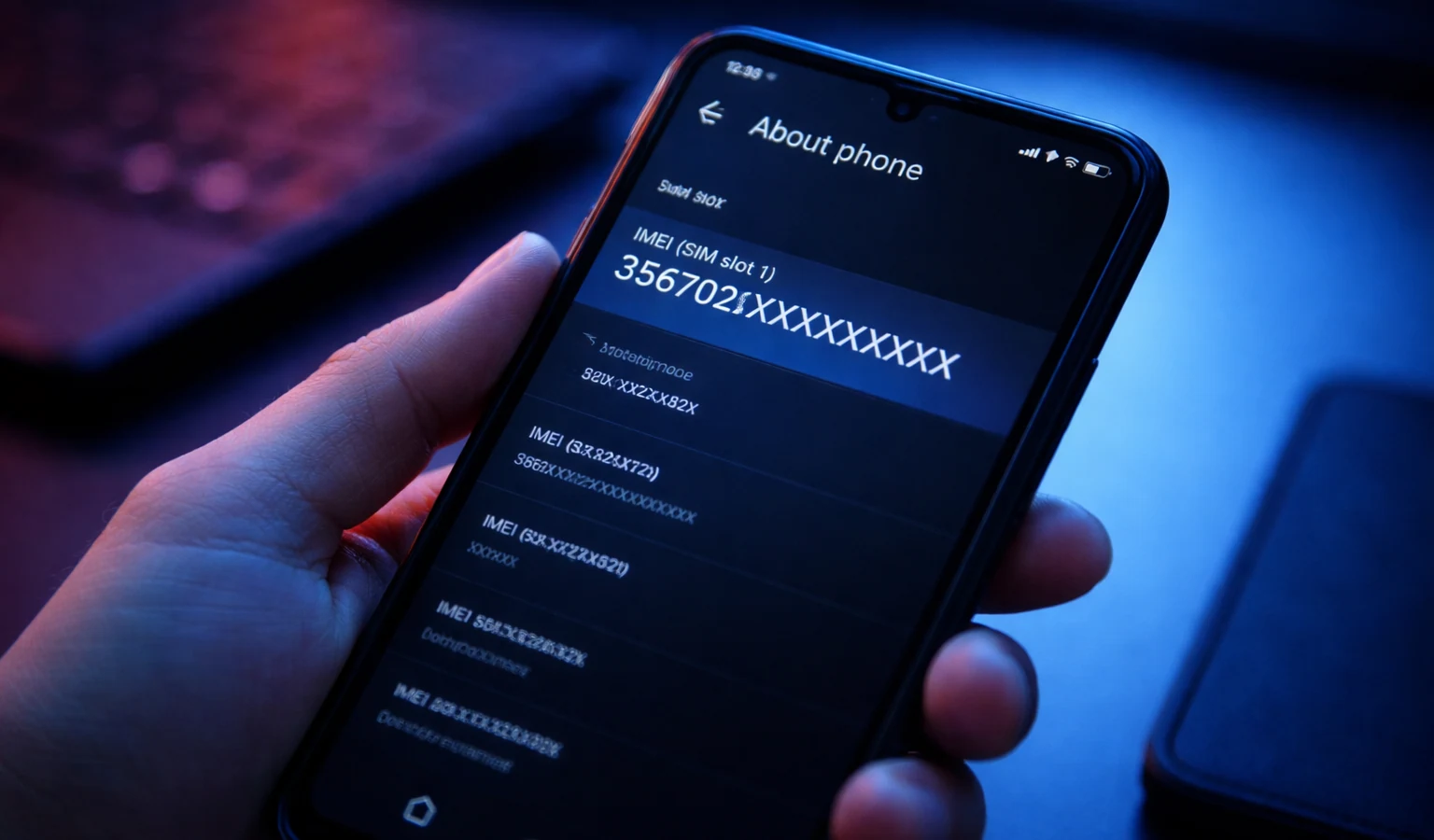
Ask the seller for the IMEI before meeting or paying. You can usually find it by dialing:
*#06#
You may also find it in the phone settings, on the SIM tray, or on the original box.
If you are not sure where to look, read our guide on how to find the IMEI number on any phone.
2. Run an IMEI check
Once you have the IMEI, use a trusted checker to review the phone status.
You can start here:
3. Review the results carefully
Pay attention to:
- Blacklist status
- Carrier lock status
- Device model information
- Any mismatch between the phone and the seller description
If the model shown in the results does not match the seller’s listing, that is already a warning sign.
Signs a used phone could be stolen
Even before running a check, there are red flags you should not ignore:
- The price is far below market value
- The seller refuses to share the IMEI
- The phone has no box, no proof of purchase, or no clear ownership history
- The seller wants to rush the deal
- The device details do not match the listing
A legitimate seller is usually willing to answer basic questions and share enough information to prove the phone is safe to buy.
Is a blacklisted phone always stolen?
Not always. A phone can be blacklisted for several reasons, including unpaid bills, insurance claims, or loss reports. However, blacklist status is still a serious warning sign for buyers.
In practical terms, if a phone is blacklisted, you should be extremely careful before buying it.
What happens if you buy a stolen phone?
If you buy a phone that was reported stolen, you could face several problems:
- The phone may not work properly on mobile networks
- You may not be able to resell it easily
- You may lose your money if the seller disappears
- The device could become blocked after your purchase
This is why checking the IMEI first is one of the smartest things you can do when buying second-hand electronics.
Extra tips before buying a used phone
Before you complete the purchase, try to do all of the following:
- Compare the IMEI check results with the seller’s description
- Verify the phone turns on and works correctly
- Check whether the device is carrier locked
- Meet in a safe public place
- Avoid sellers who pressure you to pay quickly
A few extra minutes of checking can save you from buying the wrong phone.
Final answer
If you want to know whether a phone may be stolen, checking the IMEI is one of the best first steps. It helps you spot blacklist problems, confirm device details, and avoid common scams in the used phone market.
Before buying any used device, always run an IMEI check and review the results carefully. It is fast, simple, and can save you a lot of money and frustration.
Continue with related IMEI guides
Explore practical checks and verification guides before buying or selling a used phone.
Run a quick device screening before buying or selling a used phone.
Find out whether a phone may have been reported lost, stolen, or blocked.
Verify whether a phone is restricted to a specific mobile network.
Read the step-by-step guide to verify a phone safely before paying a seller.
More from our blog
Continue reading more IMEI, blacklist, carrier, and used phone guides.
A technical breakdown of why factory-unlocked eSIM-only phones encounter 'IMEI Not Supported' errors on MVNOs, exploring the 3-Gate framework, host network whitelisting, TAC checks, and regulatory context.
New to eSIM? This beginner-friendly guide explains what an eSIM is, how it works, its advantages and disadvantages, and why travelers are switching to eSIM technology.
Not sure if your iPhone is locked to a carrier? This quick guide shows you how to check directly in your settings and understand what the results mean.
Your IMEI check says clean but your phone still doesn’t work? Learn the real reasons and what you can do before buying or using a device.