What Is an eSIM and How Does It Work? A Beginner's Guide for 2026
New to eSIM? This beginner-friendly guide explains what an eSIM is, how it works, its advantages and disadvantages, and why travelers are switching to eSIM technology.
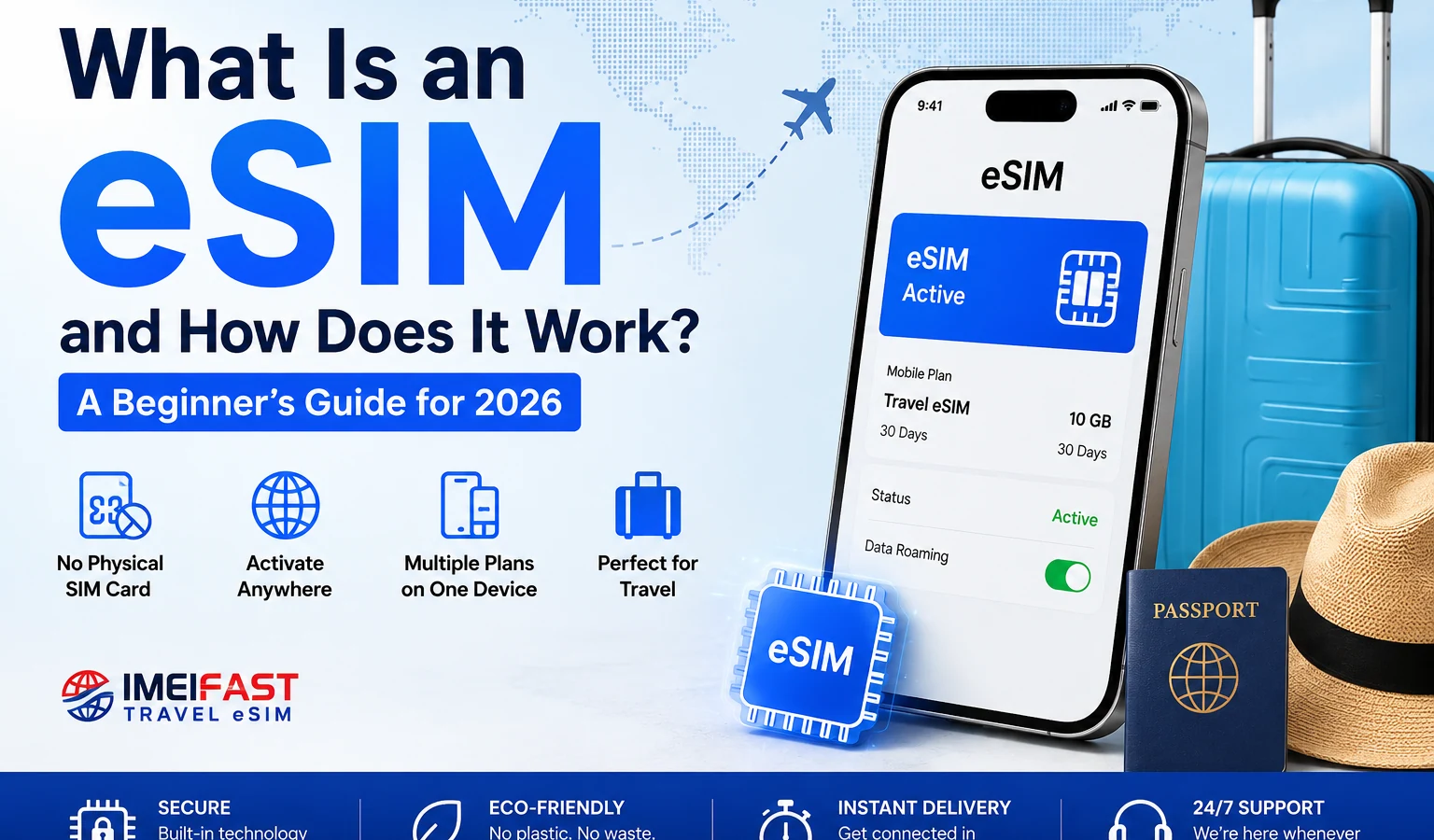
What Is an eSIM and How Does It Work? A Beginner's Guide for 2026 If you've bought a new smartphone recently, you've probably seen the word "eSIM" pop up somewhere in the specs - maybe in a store, maybe in a setup screen. And if you're like most people, you probably skipped right past it without a second thought.
That changes today.
This guide breaks down everything you need to know about eSIMs in plain language - no tech background required. By the end, you'll know exactly what an eSIM is, how it works, whether your phone supports it, and how to start using one.
What Is an eSIM? eSIM stands for embedded SIM. It's a SIM card - the little chip that connects your phone to a mobile network - except instead of being a removable plastic card, it's permanently built into your phone.
Think of it this way: a traditional SIM card is like a USB drive you plug in and pull out whenever you need to switch it. An eSIM is more like internal storage - it's already there, and you activate it digitally through software.
The "e" in eSIM literally stands for embedded, and that's the key difference. There's no physical card to lose, snap, or fumble with tiny trays and SIM ejector pins.
eSIMs aren't new - they've been quietly growing since around 2017 - but in 2026, they've become standard on most flagship phones, tablets, and even smartwatches.
How Does eSIM Work? Here's the short version: instead of inserting a physical card programmed with your carrier's info, you download a digital profile from your carrier directly onto the eSIM chip inside your phone.
Here's how the process looks step by step:
You choose a mobile plan from a carrier or eSIM provider.
They send you a QR code (or an activation code) via email or app.
You scan the QR code in your phone's settings.
Your phone downloads the carrier profile onto the eSIM chip.
You're connected - no plastic card, no swapping trays.
The whole thing can take under five minutes. And because it's software-based, you can store multiple profiles on a single device and switch between them with a few taps. Want to switch from your personal plan to a travel plan? You don't swap cards - you just change the active profile in your settings.
eSIM vs Physical SIM: What's the Difference? Here's a side-by-side look at both:
Feature Physical SIM eSIM Form Plastic card (nano or micro) Chip soldered inside the phone Activation Insert card Scan QR code or use an app Switching plans Swap cards physically Switch profiles in settings Multiple numbers One SIM per slot Multiple profiles, one active at a time Risk of loss Can be lost or damaged Cannot be removed or lost Travel-friendly Need to buy/swap local SIM Download a plan instantly, anywhere Compatible devices Almost all phones Most phones made after 2020 The physical SIM isn't going away overnight - many phones still support both. But the trend is clear: eSIM is becoming the default, and some newer iPhone and Android models have dropped the physical SIM slot entirely in certain markets.
Advantages of Using an eSIM
-
No More SIM Swapping Gone are the days of hunting for that tiny SIM ejector pin, prying open the tray, and hoping you don't drop the nano-SIM into a drain. With an eSIM, switching carriers is a digital action - done in seconds from your settings menu.
-
Multiple Plans on One Device Most eSIM-capable phones support dual SIM functionality - meaning you can have two active numbers at once (one physical SIM + one eSIM, or two eSIM profiles). This is useful if you want to keep a personal and work number on the same phone, or maintain your home number while using a local data plan abroad.
-
Faster, Easier Setup Buying a new plan used to mean going to a store or waiting for a SIM to arrive in the mail. With eSIM, you buy a plan online and activate it in minutes - sometimes in seconds.
-
More Durable and Secure A physical SIM can be lost, stolen, damaged by water, or snapped in half. Since the eSIM is embedded in the device, it's much harder to tamper with. If your phone is stolen, no one can pop the SIM out and use it in another device.
-
Better for the Environment No plastic card. No packaging. No shipping. Every eSIM activation is a tiny step toward less waste - not huge on its own, but meaningful at scale.
Disadvantages of Using an eSIM
-
Not All Phones Support It If you have an older phone (typically pre-2020), it likely doesn't have an eSIM. You'll need to check compatibility before assuming you can use one.
-
Switching Phones Can Be Trickier With a physical SIM, you move your number by literally moving the card. With eSIM, the process depends on your carrier - some make it seamless, others require customer service. It's improving, but it's not always as simple as slot-and-go.
-
Carrier Support Varies Not every carrier in every country supports eSIM yet - especially in developing markets. You may find your preferred local carrier doesn't offer eSIM activation.
-
Relies on Internet or Carrier App To download an eSIM profile, you usually need a working internet connection or access to the carrier's app. If you're in a dead zone trying to activate your very first plan on a new device, this can be a catch-22.
Can You Use eSIM While Traveling? Yes - and this is where eSIM genuinely shines.
Traveling internationally used to mean one of three painful choices: pay your home carrier's outrageous roaming fees, hunt for a local SIM card at the airport, or go without data and hope for Wi-Fi.
With a travel eSIM, you can:
Buy a data plan before you leave home - no scrambling at the airport
Activate it the moment you land - or even mid-flight when you switch on airplane mode
Keep your home number active on your physical SIM while using your travel eSIM for data
For example, IMEIFAST Travel eSIM offers data plans covering 180+ countries, which you can activate instantly from your phone before or during your trip. There's no physical card to order, no waiting at a local store, and no worrying about whether the airport kiosk will have your destination covered. You scan a QR code, download the profile, and you're connected.
This is one of the most practical use cases for eSIM technology - and it's why international eSIM solutions have exploded in popularity over the past few years.
Pro Tip for Travelers Set up your travel eSIM before you leave home while you still have a reliable Wi-Fi connection. That way, the moment you land, your data plan is already waiting.
How to Know If Your Phone Supports eSIM Here's the simplest way to check: go to your phone's settings and look for an eSIM or "Add Mobile Plan" option.
On iPhone: Go to Settings → Cellular → Add Cellular Plan. If the option exists, your phone supports eSIM.
On Android (Samsung, Google Pixel, etc.): Go to Settings → Connections → SIM Card Manager (Samsung) or Settings → Network & Internet → SIMs (Pixel). Look for an option to add an eSIM or download a SIM.
Quick reference - devices that support eSIM: iPhone XS and later (including all iPhone 14, 15, and 16 models)
Samsung Galaxy S20 and later (most flagship models)
Google Pixel 3a and later
iPad Pro (2018 and later)
Apple Watch Series 3 and later (cellular models)
If you're not sure, check your device's official specs page or search "[your phone model] + eSIM compatible."
How to Install an eSIM The process is nearly the same across carriers and devices. Here's the general flow:
Step 1: Buy a Plan Choose a carrier or eSIM provider and purchase a data or voice/data plan. You'll receive an activation QR code by email or in-app.
Step 2: Open Your Phone Settings iPhone: Settings → Cellular → Add Cellular Plan
Android: Settings → Network & Internet → SIMs → Add SIM (varies slightly by brand)
Step 3: Scan the QR Code Point your camera at the QR code provided. Your phone will recognize it and begin downloading the carrier profile.
Step 4: Confirm and Label the Plan Your phone will ask you to confirm. You can usually label the plan (e.g., "Travel - Europe" or "Work") so it's easy to identify later.
Step 5: Set Your Preferences Decide which SIM handles calls, texts, and mobile data. If you have both a physical SIM and an eSIM active, your phone will ask which one is the default for each.
That's it. The whole process usually takes under 5 minutes.
Common Misconceptions About eSIM ❌ "eSIM means I lose my phone number" Not true. Your phone number is tied to your carrier account, not the physical chip. You keep your number - you're just changing how the connection is delivered.
❌ "eSIM is less secure than a physical SIM" The opposite is actually true. Because an eSIM can't be physically removed, it's harder to steal or clone. It also supports remote deactivation if your phone is lost.
❌ "I can only have one plan at a time" Not true. Most eSIM devices can store multiple profiles. You can only have one (or two, with dual SIM) active at once - but you can have many stored and switch between them as needed.
❌ "eSIM doesn't work in my country" It depends on the carrier, not just the country. eSIM support is expanding fast. Even if your local carrier doesn't support it, international eSIM providers often cover your region for data.
❌ "Setting up an eSIM is complicated" It's genuinely straightforward. If you can scan a QR code, you can set up an eSIM. Most people finish the process in under five minutes on their first try.
Frequently Asked Questions (FAQ) Can I have both a physical SIM and an eSIM at the same time? Yes - most modern phones support Dual SIM, which means one physical SIM slot plus one eSIM. Both can be active simultaneously, which is useful for keeping your home number while using a travel data plan.
What happens to my eSIM if I lose my phone? Contact your carrier and they can deactivate the eSIM profile remotely. Your number and plan can be transferred to a new device. This is actually one of the security advantages over a physical SIM.
Can I transfer an eSIM to a new phone? Yes, though the process varies. Apple has a feature called eSIM Quick Transfer (on iPhone 14 and later) that makes it easy. On Android, you typically need to go through your carrier's app or customer support.
Does eSIM cost more than a regular SIM plan? Not necessarily. Many carriers offer eSIM plans at the same price as physical SIM plans. Travel eSIM providers like IMEIFAST often offer competitive rates compared to international roaming charges from your home carrier.
Will an eSIM work if I don't have Wi-Fi? You need an internet connection to download the eSIM profile. Once it's installed, it works like any SIM - no internet needed to make calls or use mobile data.
Is eSIM available worldwide? eSIM-capable devices work globally, but not every carrier in every country offers eSIM activation for local plans. That said, international eSIM providers typically cover over 100-180+ countries for data, making them a reliable option for travelers regardless of destination.
The Bottom Line eSIM isn't the future - it's the present. In 2026, the majority of new smartphones ship with eSIM support, and the advantages over physical SIM cards are hard to argue with: faster setup, better travel flexibility, improved security, and the ability to manage multiple plans without touching a single plastic card.
If you've been sitting on the fence, the best first step is simple: check if your phone supports eSIM (it probably does), then try a plan the next time you travel. Services like IMEIFAST Travel eSIM make it easy to test the experience risk-free - buy a short-term data plan, scan the QR code, and see for yourself how smooth it is.
Once you go eSIM, the SIM card tray starts feeling very, very last decade.
Continue with related IMEI guides
Explore practical checks and verification guides before buying or selling a used phone.
Run a quick device screening before buying or selling a used phone.
Find out whether a phone may have been reported lost, stolen, or blocked.
Verify whether a phone is restricted to a specific mobile network.
Read the step-by-step guide to verify a phone safely before paying a seller.
More from our blog
Continue reading more IMEI, blacklist, carrier, and used phone guides.
A technical breakdown of why factory-unlocked eSIM-only phones encounter 'IMEI Not Supported' errors on MVNOs, exploring the 3-Gate framework, host network whitelisting, TAC checks, and regulatory context.
Not sure if your iPhone is locked to a carrier? This quick guide shows you how to check directly in your settings and understand what the results mean.
Your IMEI check says clean but your phone still doesn’t work? Learn the real reasons and what you can do before buying or using a device.
Wondering why the same IMEI shows different results on different websites? Learn the real reasons behind inconsistent IMEI checks and how to know which result to trust.