How to Check IMEI for Free (Step-by-Step Guide)
Learn how to check an IMEI number for free using simple methods. Discover how to verify phone details, blacklist status, and device information.
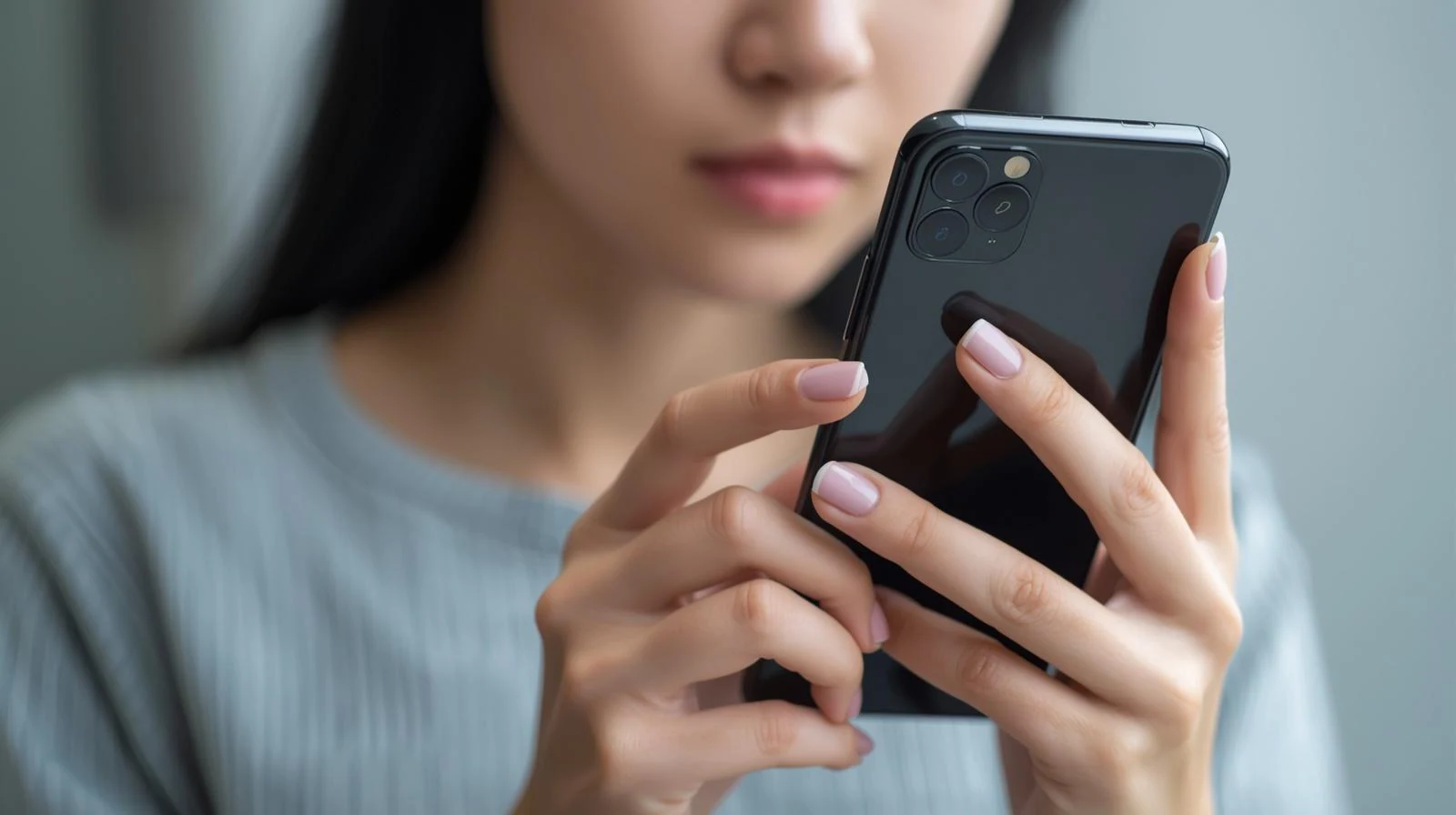
How to Check IMEI for Free (Step-by-Step Guide)
Checking an IMEI number is one of the most important steps when buying a used phone. A quick IMEI check can reveal important details about a device, such as its model, blacklist status, and carrier information.
Fortunately, there are several ways to check an IMEI number for free.
What Is an IMEI Number?
An IMEI (International Mobile Equipment Identity) number is a unique 15-digit code assigned to every mobile phone.
This number acts like an identification number for the device and allows mobile networks to recognize it.
IMEI numbers are used for several purposes:
- identifying devices on mobile networks
- blocking stolen phones
- verifying phone model information
- checking carrier compatibility
Because every phone has a unique IMEI, it can be used to track and verify device information.
Method 1: Dial *#06# on Your Phone
The easiest way to find the IMEI number on most smartphones is by dialing a simple code.
Steps
-
Open the Phone Dialer
-
Type the code:
-
The IMEI number will appear instantly on the screen.
This method works on most smartphones, including iPhone, Samsung, and many Android devices.
Method 2: Check the Phone Settings
You can also find the IMEI number inside the device settings.
On iPhone
- Open Settings
- Tap General
- Tap About
- Scroll down until you see IMEI
On Android
- Open Settings
- Go to About Phone
- Look for IMEI Information
Method 3: Use an Online IMEI Checker
Another option is to use an online IMEI check tool. These tools allow you to verify additional information about a phone.
An IMEI check can show:
- device model
- manufacturer
- blacklist status
- carrier lock information
You can run a free check here:
These tools allow you to verify phone details before buying or selling a device.
Why Checking an IMEI Number Is Important
Running an IMEI check helps prevent common problems when buying second-hand phones.
Without checking the IMEI, you might accidentally purchase a device that:
- has been reported stolen
- is blacklisted by carriers
- is locked to a specific network
- does not match the seller's description
A simple IMEI check can help you avoid these risks.
When Should You Check an IMEI?
You should always verify the IMEI number in situations such as:
Buying a Used Phone
Before purchasing a second-hand device from marketplaces like:
- eBay
- Facebook Marketplace
- Craigslist
- local classifieds
Selling Your Phone
Providing IMEI information can help build trust with buyers.
Activating a New Device
Some carriers require the IMEI to verify network compatibility.
Final Thoughts
Checking an IMEI number is quick, easy, and extremely useful when buying or selling smartphones.
By verifying the IMEI, you can confirm device information, detect potential issues, and avoid purchasing phones that cannot connect to mobile networks.
Running an IMEI check takes only a few seconds but can save you from expensive mistakes.
Continue with related IMEI guides
Explore practical checks and verification guides before buying or selling a used phone.
Run a quick device screening before buying or selling a used phone.
Find out whether a phone may have been reported lost, stolen, or blocked.
Verify whether a phone is restricted to a specific mobile network.
Read the step-by-step guide to verify a phone safely before paying a seller.
More from our blog
Continue reading more IMEI, blacklist, carrier, and used phone guides.
A technical breakdown of why factory-unlocked eSIM-only phones encounter 'IMEI Not Supported' errors on MVNOs, exploring the 3-Gate framework, host network whitelisting, TAC checks, and regulatory context.
New to eSIM? This beginner-friendly guide explains what an eSIM is, how it works, its advantages and disadvantages, and why travelers are switching to eSIM technology.
Not sure if your iPhone is locked to a carrier? This quick guide shows you how to check directly in your settings and understand what the results mean.
Your IMEI check says clean but your phone still doesn’t work? Learn the real reasons and what you can do before buying or using a device.