Can Two Phones Have the Same IMEI Number?
Learn whether two phones can have the same IMEI number and what it means if duplicate IMEI numbers are detected.
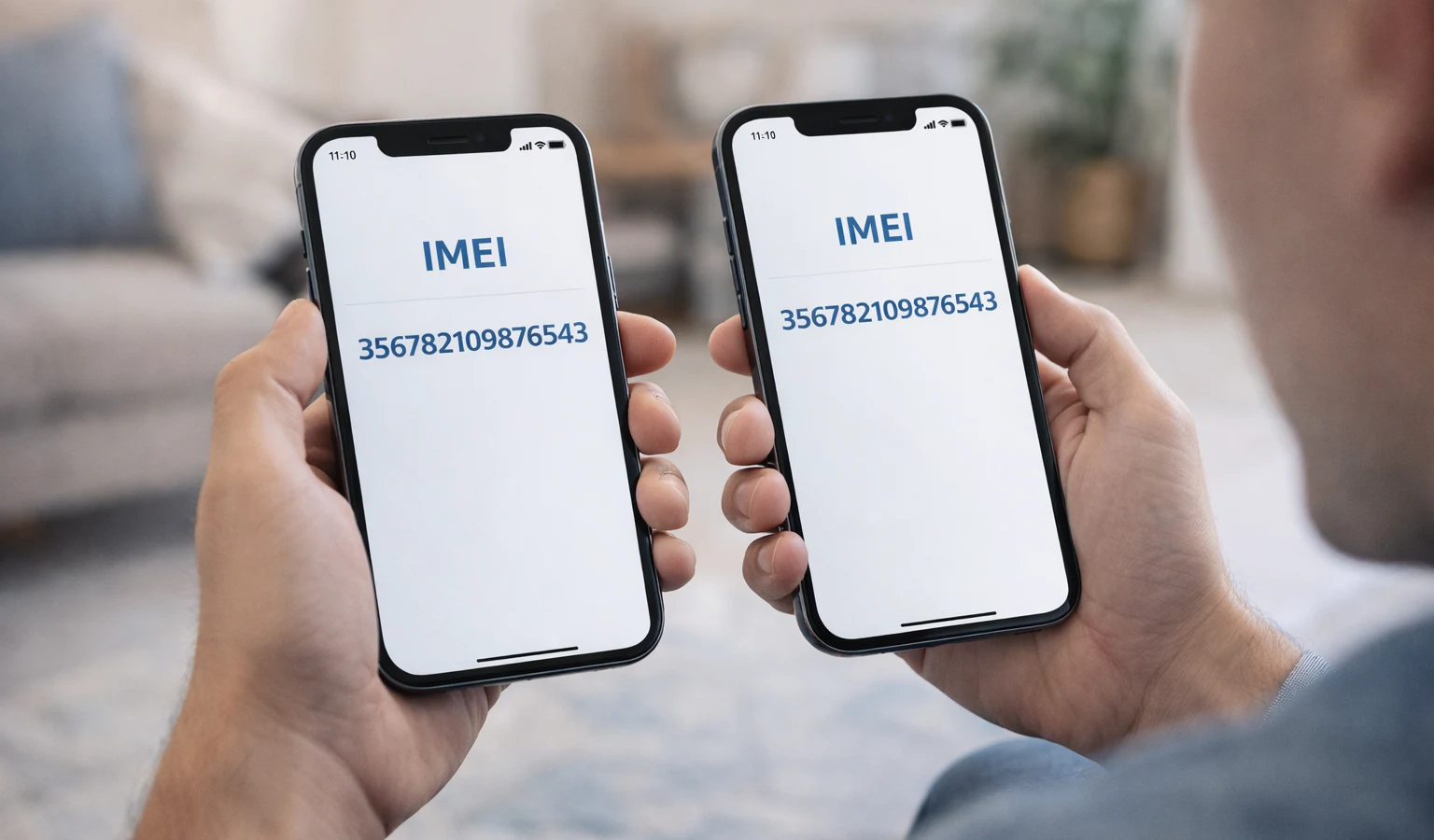
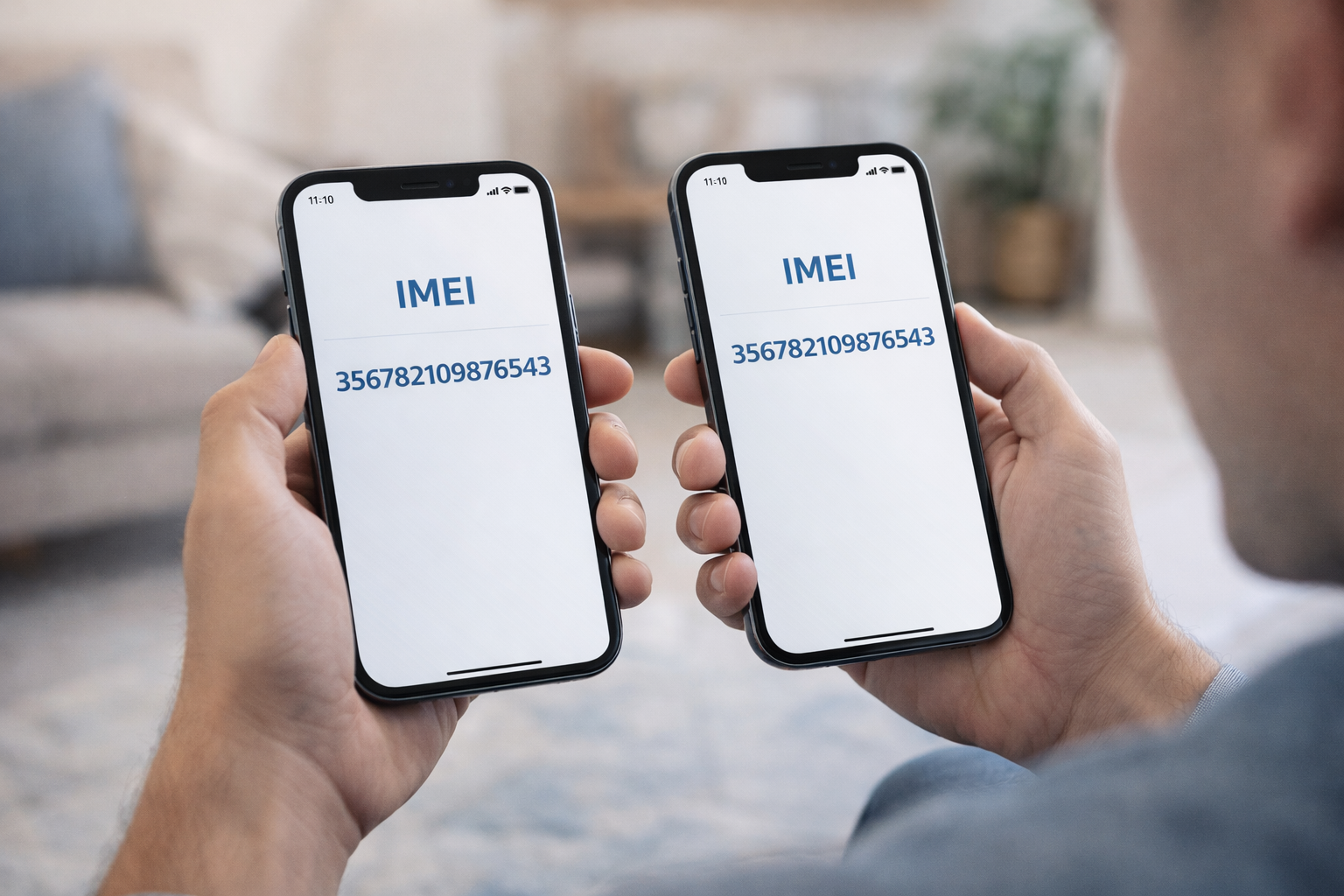
Can Two Phones Have the Same IMEI Number?
The IMEI number is designed to be a unique identifier for every mobile phone.
But some people wonder if it is possible for two devices to share the same IMEI number.
In normal circumstances, the answer is no. Each phone should have its own unique IMEI assigned during manufacturing.
What Is an IMEI Number?
IMEI stands for International Mobile Equipment Identity.
It is a unique number used by mobile carriers to identify devices connected to their networks.
Carriers use IMEI numbers to:
- Identify phones on the network
- Block stolen devices
- Verify device compatibility
- Manage network security
Why IMEI Numbers Must Be Unique
Every IMEI is intended to identify a single device.
Manufacturers assign IMEI numbers during production to ensure that every phone can be uniquely recognized.
This system helps mobile networks prevent fraud and manage devices more effectively.
When Duplicate IMEI Numbers Can Appear
Although rare, duplicate IMEI numbers can appear in certain situations.
These may include:
- Illegal IMEI modification
- Counterfeit phones
- Software errors
- Devices that were improperly repaired
In such cases, the duplicate IMEI may cause problems on mobile networks.
Problems Caused by Duplicate IMEI Numbers
If two phones share the same IMEI number, it may lead to issues such as:
- Network registration problems
- Carrier blocking
- Device verification errors
- Security concerns
Carriers rely on IMEI numbers to uniquely identify devices, so duplicates can create conflicts.
How to Check an IMEI Number
You can check a phone's IMEI number using several methods.
Dial code
Dial: *#06#
Phone settings
Settings → About Phone → IMEI
Device box
The original phone box often contains the IMEI printed on the label.
Why Checking IMEI Is Important
Before buying a used phone, it is always a good idea to verify the IMEI number.
An IMEI lookup can reveal:
- Device model
- Manufacturer information
- Carrier lock status
- Blacklist status
👉 Run an IMEI check on IMEIFAST
Two legitimate phones should never share the same IMEI number. If duplicate IMEI numbers appear, it may indicate an issue such as device tampering or counterfeit hardware.
Verifying the IMEI helps ensure that the phone you are using or purchasing is legitimate.
Continue with related IMEI guides
Explore practical checks and verification guides before buying or selling a used phone.
Run a quick device screening before buying or selling a used phone.
Find out whether a phone may have been reported lost, stolen, or blocked.
Verify whether a phone is restricted to a specific mobile network.
Read the step-by-step guide to verify a phone safely before paying a seller.
More from our blog
Continue reading more IMEI, blacklist, carrier, and used phone guides.
A technical breakdown of why factory-unlocked eSIM-only phones encounter 'IMEI Not Supported' errors on MVNOs, exploring the 3-Gate framework, host network whitelisting, TAC checks, and regulatory context.
New to eSIM? This beginner-friendly guide explains what an eSIM is, how it works, its advantages and disadvantages, and why travelers are switching to eSIM technology.
Not sure if your iPhone is locked to a carrier? This quick guide shows you how to check directly in your settings and understand what the results mean.
Your IMEI check says clean but your phone still doesn’t work? Learn the real reasons and what you can do before buying or using a device.