What Happens If Your Phone IMEI Is Blacklisted?
Learn what happens when a phone IMEI is blacklisted, why it occurs, and what problems a blocked device may face on mobile networks.

What Happens If Your Phone IMEI Is Blacklisted?
When a phone IMEI becomes blacklisted, it means the device has been blocked from connecting to mobile carrier networks.
This usually happens when a phone is reported lost, stolen, or involved in unpaid carrier bills.
Understanding what happens when an IMEI is blacklisted can help you avoid problems when buying or using a device.
What Does Blacklisted IMEI Mean?
A blacklisted IMEI means that the phone has been added to a database used by carriers to block certain devices.
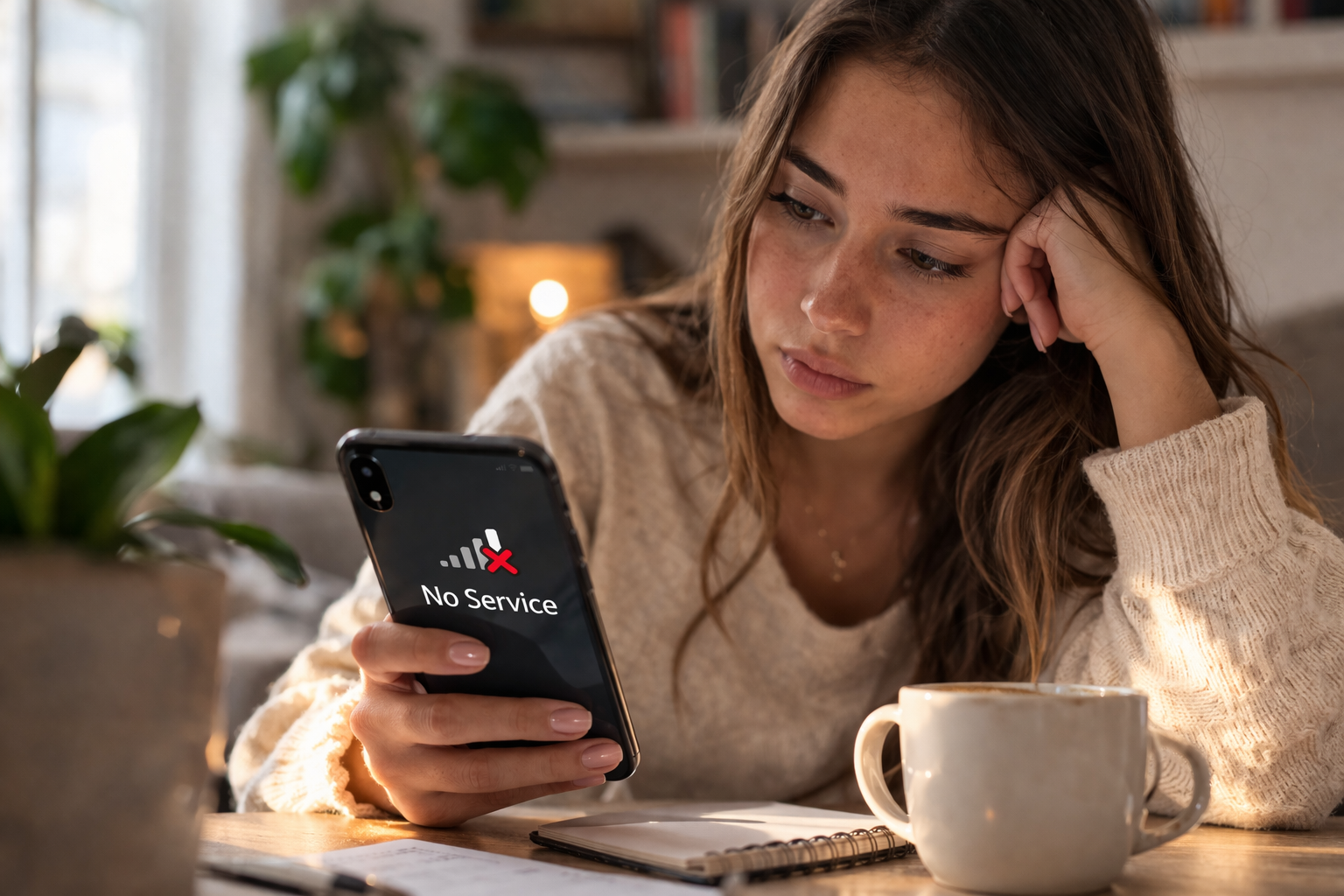
Once a phone is blacklisted, it may no longer work properly on mobile networks.
Carriers use blacklist systems to prevent stolen devices from being used.
What Problems Can Occur
If a phone has a blacklisted IMEI, you may notice several issues.
These include:
- No cellular signal
- Calls and SMS not working
- Mobile data unavailable
- Network registration errors
In many cases the phone can still connect to WiFi, but cellular services may not function.
Why Phones Get Blacklisted
Phones may be blacklisted for several reasons.
Common causes include:
- The device was reported stolen
- Insurance claim filed for the phone
- Unpaid carrier financing
- Fraudulent activity
When this happens, carriers block the device to prevent further use.
Can a Blacklisted Phone Be Fixed?
Sometimes a blacklist can be removed if the original issue is resolved.
For example:
- The owner reports the phone recovered
- The carrier account balance is paid
- The blacklist entry was made by mistake
However, this depends on the carrier and the situation.
How to Check If an IMEI Is Blacklisted
Before buying a used phone, it is important to check its IMEI.
An IMEI lookup can reveal:
- Blacklist status
- Carrier information
- Device details
👉 Run an IMEI check on IMEIFAST
A blacklisted IMEI prevents a phone from connecting to carrier networks. Checking the IMEI before buying a device helps ensure the phone is safe to use and avoids future problems.
Continúe con guías relacionadas de IMEI
Explora verificaciones prácticas y guías de verificación antes de comprar o vender un teléfono usado.
Run a quick device screening before buying or selling a used phone.
Find out whether a phone may have been reported lost, stolen, or blocked.
Verify whether a phone is restricted to a specific mobile network.
Read the step-by-step guide to verify a phone safely before paying a seller.
Más de nuestro blog
Continúe leyendo más guías sobre IMEI, listas negras, operadores y teléfonos usados.
Un desglose técnico de por qué los teléfonos libres de fábrica que solo admiten eSIM muestran errores de "IMEI no compatible" en OMV, analizando el esquema de 3 niveles, las listas blancas de redes host, las comprobaciones de TAC y el marco regulatorio.
New to eSIM? This beginner-friendly guide explains what an eSIM is, how it works, its advantages and disadvantages, and why travelers are switching to eSIM technology.
Not sure if your iPhone is locked to a carrier? This quick guide shows you how to check directly in your settings and understand what the results mean.
Your IMEI check says clean but your phone still doesn’t work? Learn the real reasons and what you can do before buying or using a device.