How to Find the IMEI Number Without Turning On the Phone
Learn how to find the IMEI number on a phone even if it cannot be turned on using the SIM tray, phone box, or device body.
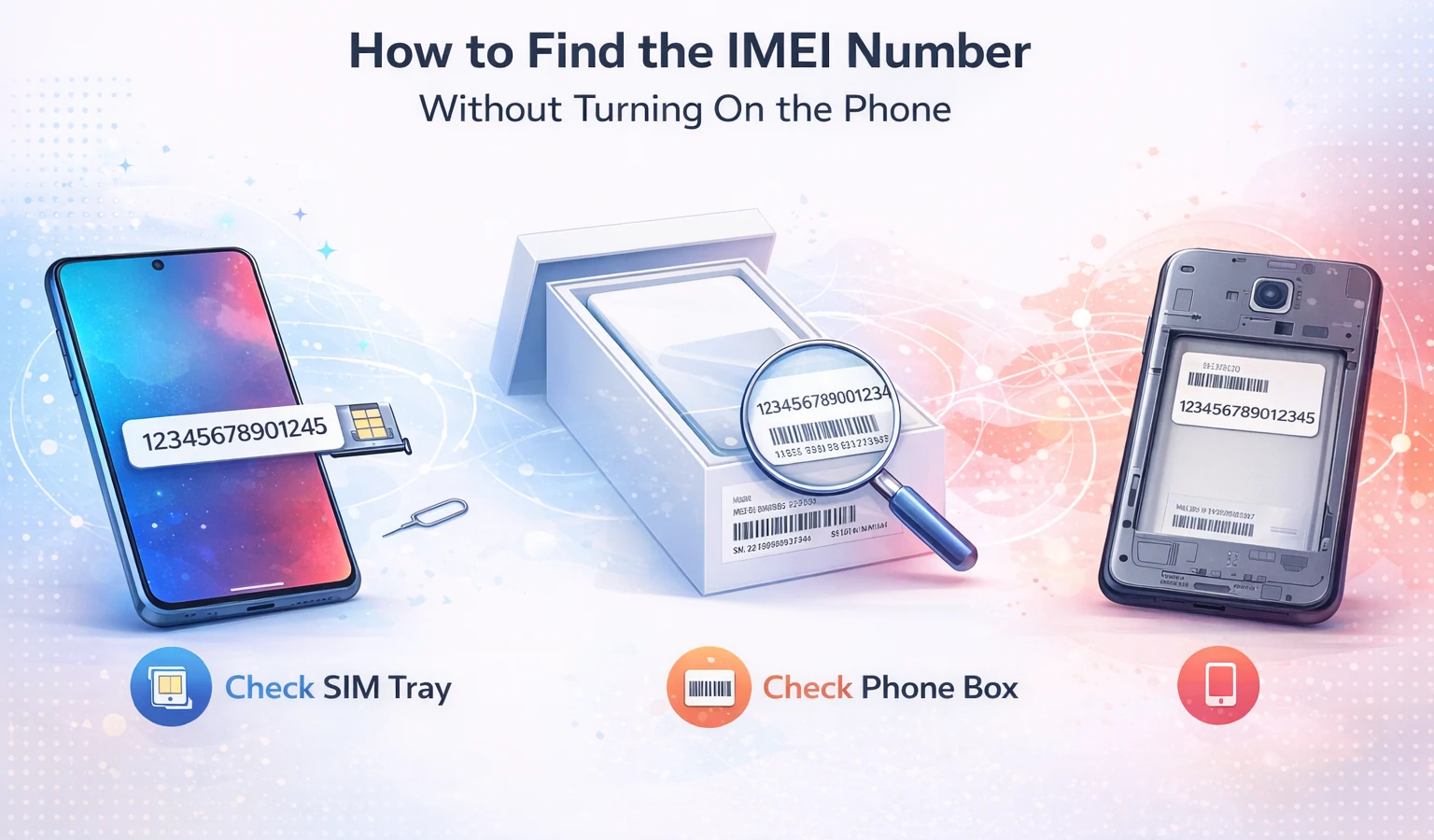
How to Find the IMEI Number Without Turning On the Phone
Sometimes a phone cannot be turned on because the battery is dead, the screen is broken, or the device is damaged.
Even if the phone will not power on, it is still possible to find the IMEI number in several ways.
Knowing the IMEI is important if you want to verify the device, check blacklist status, or report the phone as lost or stolen.
What Is an IMEI Number?
IMEI stands for International Mobile Equipment Identity.
It is a unique identifier assigned to every mobile phone.
Mobile carriers use this number to identify devices connected to their networks and to block phones reported stolen.
Method 1: Check the SIM Tray
Many modern smartphones have the IMEI printed on the SIM tray.
Steps:
- Remove the SIM tray using a SIM eject tool
- Look for a small printed number on the metal tray
- This number is often the IMEI
This method works on many iPhone and Samsung models.
Method 2: Check the Phone Box
If you still have the original packaging, the IMEI number is usually printed on the label.
The label normally contains:
- IMEI number
- Serial number
- Model information
- Barcode
Method 3: Check the Back of the Phone
Some older phones have the IMEI printed on the back of the device or under the battery.
Removing the battery (if removable) may reveal the IMEI sticker.
Why the IMEI Is Important
The IMEI helps identify the phone and can reveal important information.
An IMEI lookup can show:
- Device model
- Manufacturer
- Carrier lock status
- Blacklist status
👉 Run an IMEI check on IMEIFAST
Conclusion
Even if a phone will not turn on, you can still find the IMEI number using the SIM tray, device box, or phone body.
Having the IMEI allows you to verify the phone and avoid buying a problematic device.
Continúe con guías relacionadas de IMEI
Explora verificaciones prácticas y guías de verificación antes de comprar o vender un teléfono usado.
Run a quick device screening before buying or selling a used phone.
Find out whether a phone may have been reported lost, stolen, or blocked.
Verify whether a phone is restricted to a specific mobile network.
Read the step-by-step guide to verify a phone safely before paying a seller.
Más de nuestro blog
Continúe leyendo más guías sobre IMEI, listas negras, operadores y teléfonos usados.
Un desglose técnico de por qué los teléfonos libres de fábrica que solo admiten eSIM muestran errores de "IMEI no compatible" en OMV, analizando el esquema de 3 niveles, las listas blancas de redes host, las comprobaciones de TAC y el marco regulatorio.
New to eSIM? This beginner-friendly guide explains what an eSIM is, how it works, its advantages and disadvantages, and why travelers are switching to eSIM technology.
Not sure if your iPhone is locked to a carrier? This quick guide shows you how to check directly in your settings and understand what the results mean.
Your IMEI check says clean but your phone still doesn’t work? Learn the real reasons and what you can do before buying or using a device.