Why Your Phone Has Signal but No Calls or Data (Real Causes Explained)
Does your phone show signal but you can’t make calls or use data? Learn the real causes and how to fix this issue step by step.
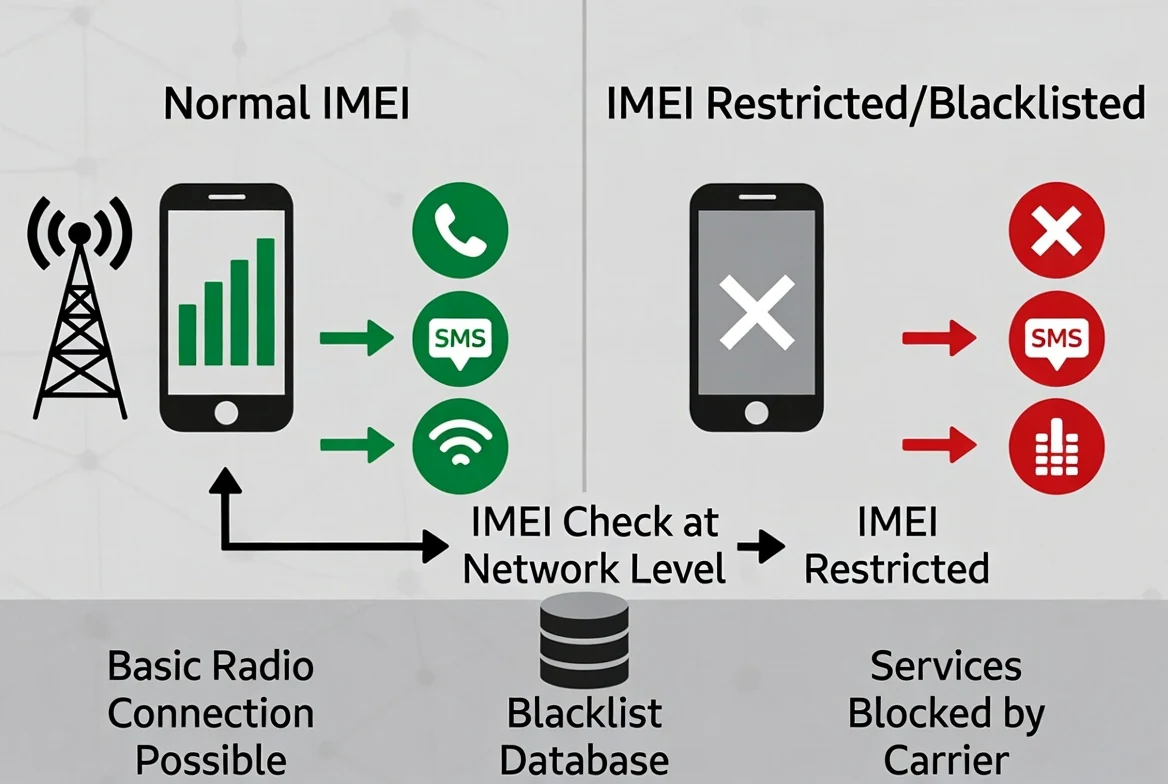
Why Your Phone Has Signal but No Calls or Data
It’s one of the most confusing problems you can run into.
Your phone shows signal bars.
Everything looks normal.
But:
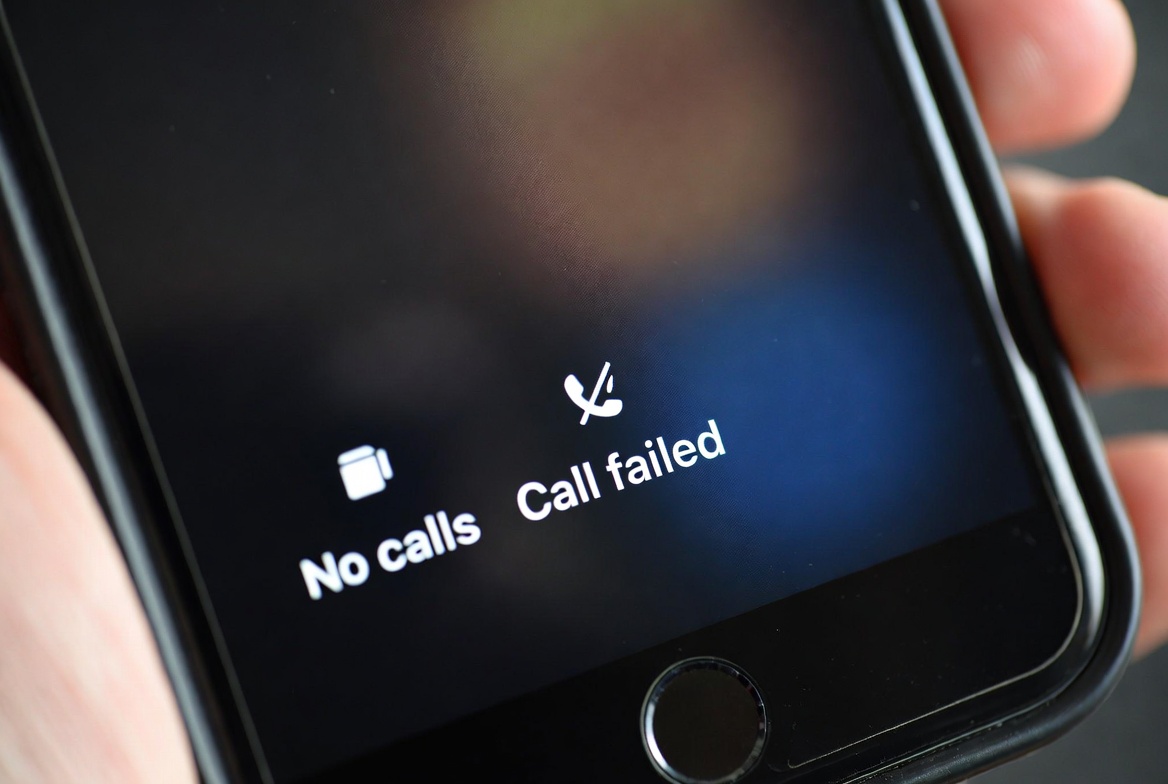
- You can’t make calls
- Mobile data doesn’t work
- Messages fail to send
What’s going on?
This issue is more common than you think — and the cause isn’t always obvious.
What This Problem Actually Means
If your phone shows signal but nothing works, it usually means:
👉 The device is connected to a network
👉 But something is blocking full service
That “something” can be technical, network-related, or device-related.
The Most Common Causes
1. IMEI Blacklist
This is one of the main reasons.
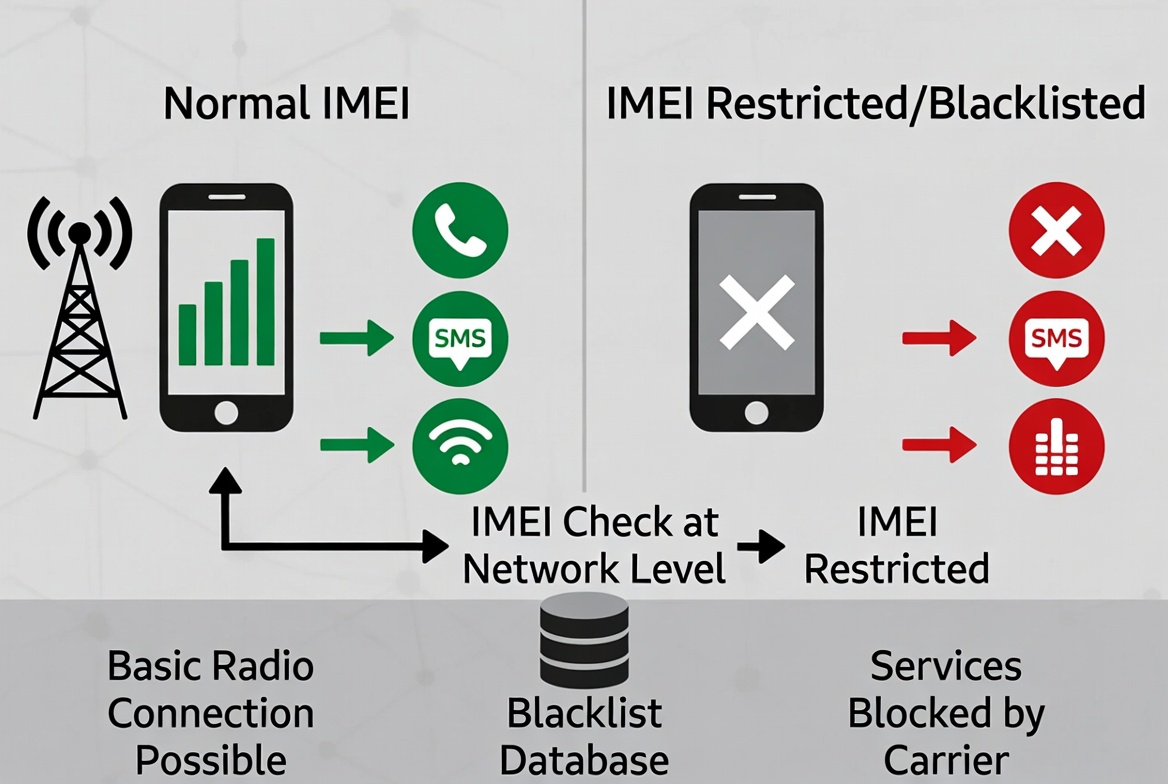
Even if your phone connects to a network, a blacklisted IMEI can block:
- Calls
- Data
- SMS
This often happens if the phone was:
- Reported lost or stolen
- Linked to unpaid bills
2. Carrier Lock
If your phone is locked to a specific carrier:
- It may show signal
- But reject services from another network
This is especially common with used phones.
3. Incorrect Network Settings
Sometimes the issue is simpler:
- Wrong APN settings
- Network mode mismatch
- Outdated carrier configuration
These can block mobile data while still showing signal.
4. SIM Card Issues
Your SIM might be:
- Not properly activated
- Damaged
- Incompatible with the device
Try testing with another SIM to confirm.
5. Partial Network Compatibility
Not all phones support all network bands.
So your phone may:
- Connect partially
- Show signal
- But fail to complete calls or data sessions
How to Diagnose the Problem Step by Step
Here’s the fastest way to identify the cause:
- Restart your phone
- Toggle airplane mode
- Test with another SIM
- Check network settings
- Run an IMEI check
That last step is critical.
👉 You can check your device here:
Run an IMEI check
When It’s a Blacklist Issue
If the IMEI is blacklisted:
- The phone will not work on most networks
- The issue won’t be fixed by settings
- You may need to contact the seller or carrier
This is why checking before buying is so important.
When It’s Fixable
Good news: not all cases are serious.
You may be able to fix it if:
- It’s a settings issue
- It’s a SIM problem
- It’s a temporary network issue
Final Thoughts
Seeing signal but having no service is frustrating — especially when everything looks normal.
The key is understanding that signal doesn’t always mean full access.
If you want to avoid this situation entirely:
Always verify the device before using or buying it.
Continue with related IMEI guides
Explore practical checks and verification guides before buying or selling a used phone.
Run a quick device screening before buying or selling a used phone.
Find out whether a phone may have been reported lost, stolen, or blocked.
Verify whether a phone is restricted to a specific mobile network.
Read the step-by-step guide to verify a phone safely before paying a seller.
More from our blog
Continue reading more IMEI, blacklist, carrier, and used phone guides.
A technical breakdown of why factory-unlocked eSIM-only phones encounter 'IMEI Not Supported' errors on MVNOs, exploring the 3-Gate framework, host network whitelisting, TAC checks, and regulatory context.
New to eSIM? This beginner-friendly guide explains what an eSIM is, how it works, its advantages and disadvantages, and why travelers are switching to eSIM technology.
Not sure if your iPhone is locked to a carrier? This quick guide shows you how to check directly in your settings and understand what the results mean.
Your IMEI check says clean but your phone still doesn’t work? Learn the real reasons and what you can do before buying or using a device.