I Bought a Blacklisted Phone — What Actually Happens Next
Bought a blacklisted phone? Learn what actually happens, why it occurs, and what options you have to fix or avoid the problem.
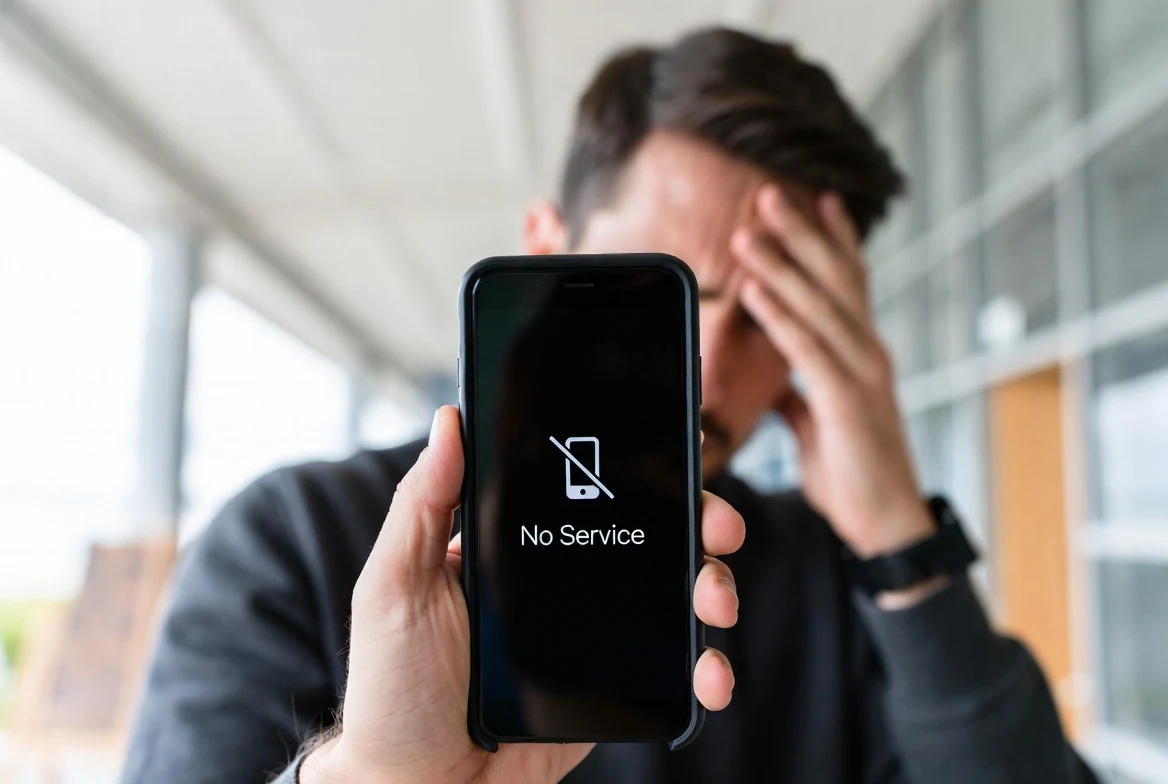
I Bought a Blacklisted Phone — What Actually Happens Next
Buying a used phone can feel like a great deal — until something suddenly stops working.
That’s exactly what happened to me.
The phone looked perfect. It powered on, connected to Wi-Fi, and everything seemed fine… until I inserted my SIM card.
No signal. No calls. No data.
That’s when I realized: the phone was blacklisted.
What “Blacklisted” Really Means (In Real Life)
When a phone is blacklisted, it’s been reported as:
- Lost
- Stolen
- Or associated with unpaid bills or fraud
Carriers block the device at the network level.
That means:
- ❌ No calls
- ❌ No mobile data
- ❌ No SMS
Even though the phone itself still works perfectly on Wi-Fi.
What Happens After You Insert Your SIM
Here’s what you might see:
- “No Service” even with a valid SIM
- Signal bars but no ability to call
- Data not working at all
- Random network disconnects
At first, it’s confusing — because everything else seems normal.
Can You Still Use a Blacklisted Phone?
Yes… but with limitations.
You can still:
- Use Wi-Fi
- Install apps
- Browse the internet
- Use it as a secondary device
But you cannot use it as a real phone on most networks.
Why This Happens More Than You Think
This situation is more common than people realize.
It usually happens when:
- Someone sells a financed phone
- The device gets reported after being sold
- The original owner files an insurance claim
- The phone is stolen and resold
In many cases, the buyer has no idea.
Can a Blacklisted Phone Be Fixed?
Sometimes — but not always.
Possible options:
- Contact the original owner (rarely works)
- Ask the carrier to review the case
- Request a refund from the seller
- Use it internationally (in some cases)
But in most situations, the blacklist remains.
How to Avoid This Problem
This is the most important part.
Before buying any used phone, always run an IMEI check.
It helps you detect:
- Blacklist status
- Carrier restrictions
- Device inconsistencies
👉 You can use our tool here:
Run a free IMEI check
Final Thoughts
Buying a blacklisted phone is frustrating — especially when everything looks fine at first.
The device isn’t broken.
It’s blocked.
And once you understand that difference, everything makes more sense.
The best protection is simple:
Always check before you pay.
Continue with related IMEI guides
Explore practical checks and verification guides before buying or selling a used phone.
Run a quick device screening before buying or selling a used phone.
Find out whether a phone may have been reported lost, stolen, or blocked.
Verify whether a phone is restricted to a specific mobile network.
Read the step-by-step guide to verify a phone safely before paying a seller.
More from our blog
Continue reading more IMEI, blacklist, carrier, and used phone guides.
A technical breakdown of why factory-unlocked eSIM-only phones encounter 'IMEI Not Supported' errors on MVNOs, exploring the 3-Gate framework, host network whitelisting, TAC checks, and regulatory context.
New to eSIM? This beginner-friendly guide explains what an eSIM is, how it works, its advantages and disadvantages, and why travelers are switching to eSIM technology.
Not sure if your iPhone is locked to a carrier? This quick guide shows you how to check directly in your settings and understand what the results mean.
Your IMEI check says clean but your phone still doesn’t work? Learn the real reasons and what you can do before buying or using a device.